Website Update Instructions
Simple steps to update menus and photos on the live website.
Important: After you save changes in GitHub, the website updates automatically in about 1-3 minutes.
Change Password
Use this if you want a new login password. The page will create the replacement file text for you.
- Type the new password twice.
- Click Generate New Password File.
- Click Copy New Password File.
- Click Open Password File.
- In GitHub, delete everything in the file and paste the copied text.
- Click Commit changes. The new password works after 1-3 minutes.
Step-by-Step
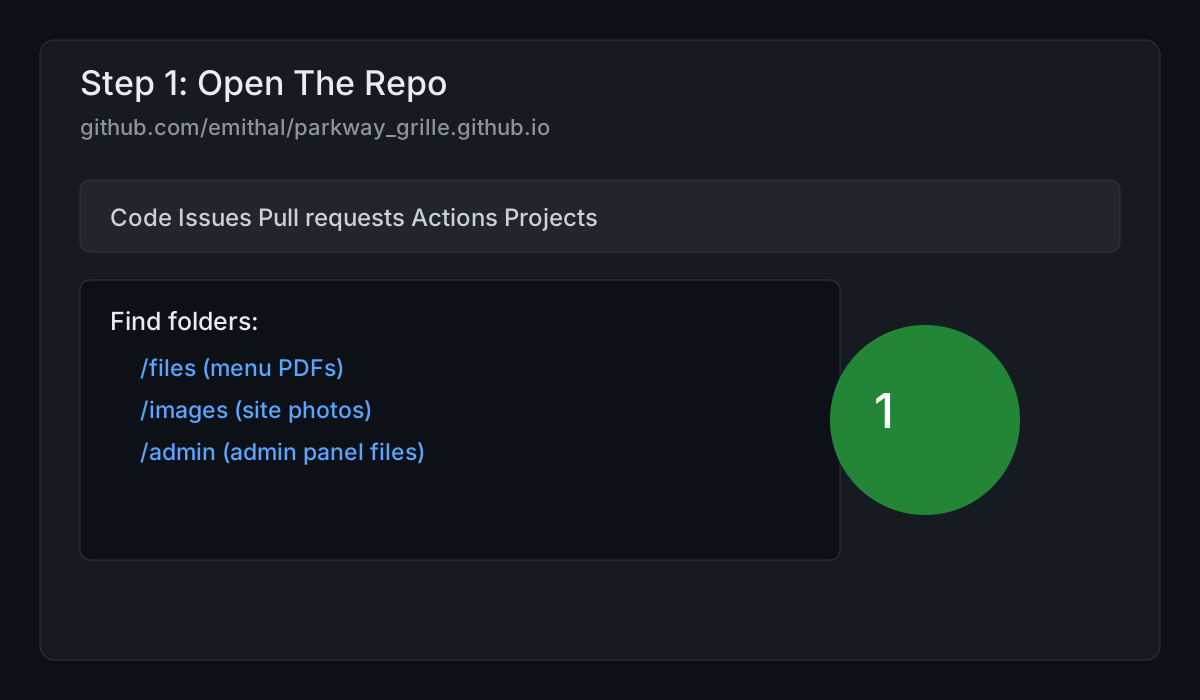
- Open this link in your browser:
-
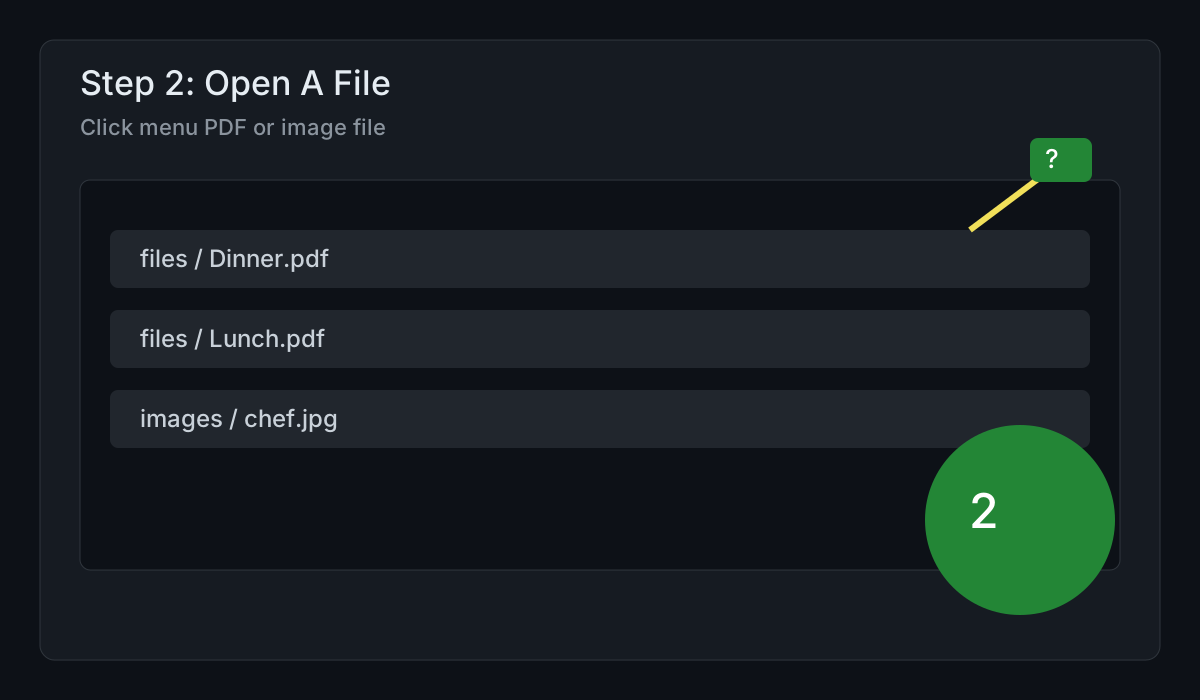
To update menu PDFs, open folder:
filesExamples: Dinner Menu.pdf, Lunch Menu.pdf, Brunch Menu.pdf -
To update website photos, open folder:
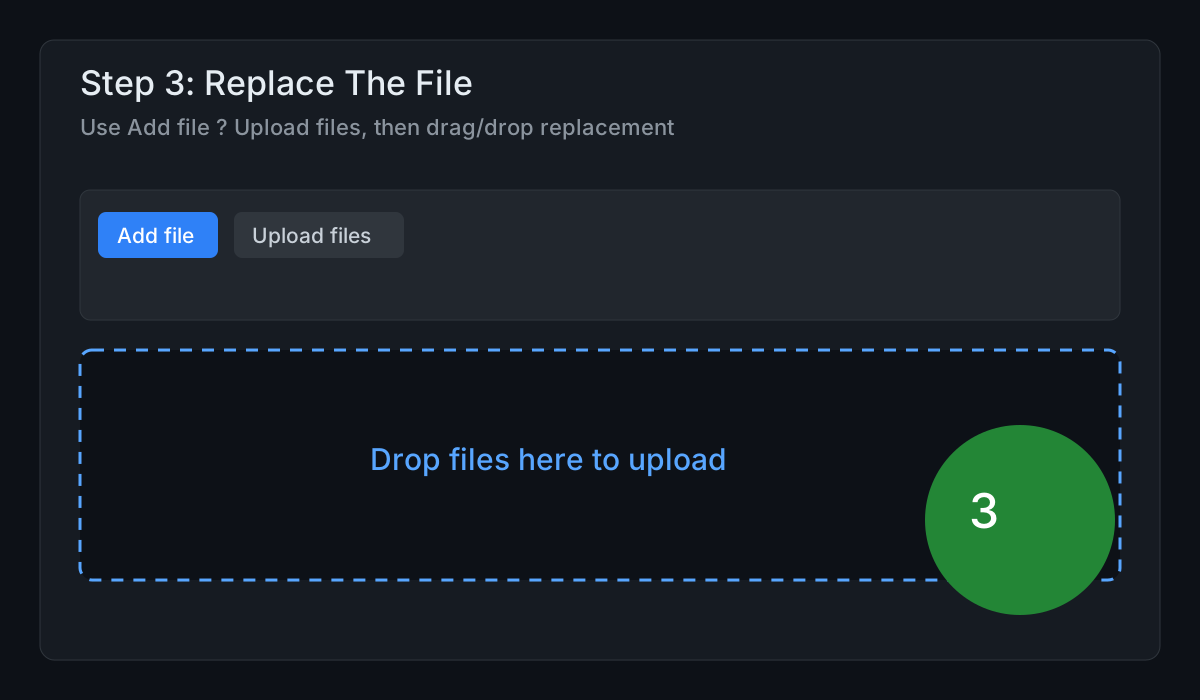
images - Click Add file then click Upload files
-
Drag your new file into the upload box
Use the same filename if replacing an old file.
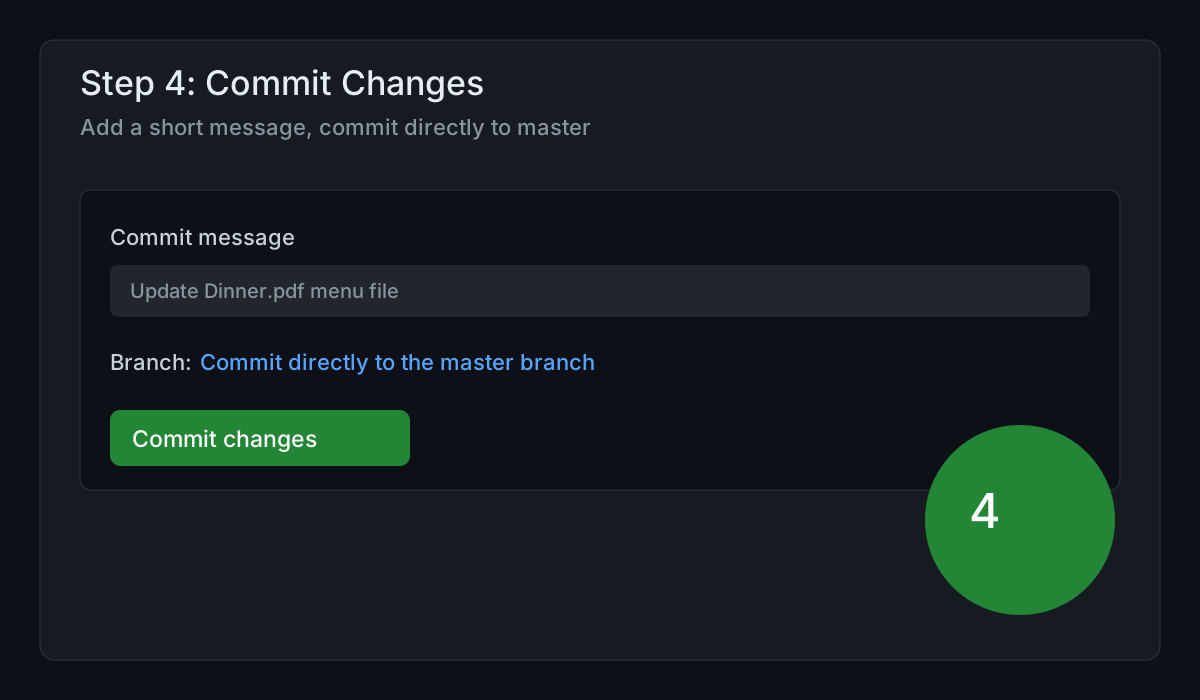
-
In the message box, type a short note
Example:
Update Dinner menu PDF - Keep selected: Commit directly to the master branch
- Click the green button: Commit changes
Picture Guide
If Something Goes Wrong
- If a PDF does not update, wait 3 minutes and refresh the website.
- If you uploaded wrong file, upload the correct file with the same filename and commit again.
- If you are unsure, stop and contact me before committing.
Permissions Needed
- Your client must be a collaborator on this GitHub repo:
emithal/parkway_grille.github.io. - Give them Write access (Read access is not enough to upload or commit).
- GitHub Pages must stay set to publish from the master branch.